
How this comes up in practice
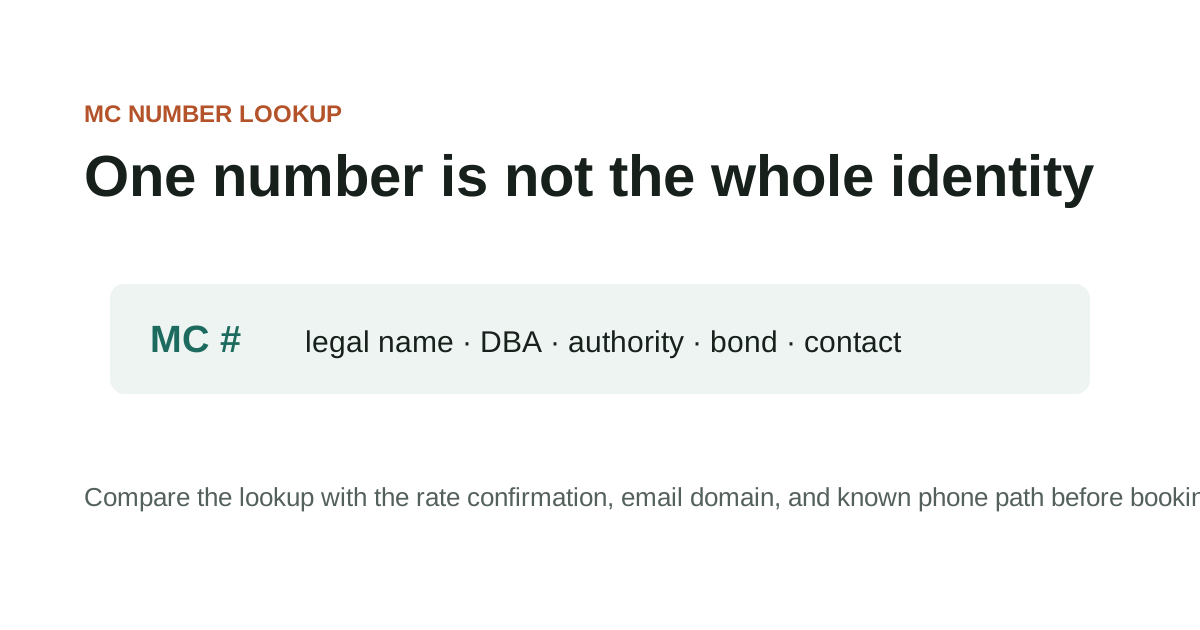
A broker onboarding desk receives a packet with a registration screenshot attached. The screenshot is dated three months earlier and crops out the section showing status details. The carrier says nothing has changed. Rather than accept the image, the desk opens the current FMCSA source, saves a fresh lookup, and compares the entity name, USDOT or MC number, authority status, address, and phone fields with the packet. The old screenshot is kept because it shows what the carrier sent, but it is not treated as the current record. Registration pages are most useful when the lookup date is part of the file.
Why registration status is a per-transaction check, not a background fact
FMCSA registration records — broker authority, carrier operating status, financial responsibility filings — reflect the current state of an entity's regulatory standing. They are not permanent facts about a company; they change. Authority can be revoked, suspended, or lapsed. Financial responsibility filings can expire or change. Contact information in official records can be updated without notice to existing business partners. For adjacent verification steps, compare this with Broker Authority Status Explained, How to Verify a Motor Carrier, and FMCSA Identity Verification Explained.
The practical implication is that registration lookups belong close to the transaction they're supporting, not only at onboarding. A broker whose authority was confirmed when the relationship was established may have had a status change since then. A carrier whose SAFER record was verified three months ago may have had insurance changes or contact updates that affect whether the current transaction should proceed on the same terms.
This guide covers the specific FMCSA registration pages that matter for broker and carrier verification: where to find current authority and financial responsibility status, how to read what's there, and how to note the lookup date in the transaction file. The registration pages are the authoritative source — this guide points to them and explains what each field means for the current transaction.
Key Takeaways
- Use the official domain directly when checking records or filing reports.
- Save the source page URL and access date with your case notes.
- Check the official FMCSA page for current status before relying on a record.
- Keep copies of complaint confirmations, report numbers, and supporting documents.
Checking FMCSA registration records for current broker and carrier status
FMCSA registration records — broker authority, motor carrier authority, and financial responsibility filings — are the official reference for whether a company is authorized to operate in its claimed role. The registration system is in active modernization as of 2025–2026 (Motus transition), and specific processes for accessing or verifying records may differ from what older guides or saved screenshots describe.
For any active transaction, the most current status check comes from L&I and SAFER directly — not from a cached screen capture, a load board profile, or a carrier packet. The official FMCSA registration page and its current alerts should be checked for process changes before describing the verification workflow to others or relying on steps described elsewhere.
Checking FMCSA registration records for current broker and carrier status checklist
- Whether the current official FMCSA registration page has been checked for any process changes since this guide was last reviewed
- Whether L&I shows current broker authority and financial responsibility for the entity in the transaction
- Whether SAFER shows current carrier operating status and company contact details
- Whether the Motus or registration modernization transition affects any step in your specific verification process
- Whether any authority change or alert has been posted for the entity you're reviewing
Registration records to confirm before booking or releasing freight
Official-resource pages are entry points, not substitutes for checking the live source. In this guide, that starts with registration records, current status checks, and official FMCSA update pages.
Record the exact URL, lookup date, and field you relied on so later reviewers can see what the source showed at the time. Keep the question practical: what changed, who introduced it, and which dated record can be saved before anyone acts on it.
Registration records to confirm before booking or releasing freight checklist
- Use the official domain directly when checking records or filing reports.
- Save the source page URL and access date with your case notes.
- Check the official FMCSA page for current status before relying on a record.
- Keep copies of complaint confirmations, report numbers, and supporting documents.
What to document when registration status is relevant to a transaction
For fmcsa registration guide, the useful record is usually the one that shows where registration records, current status checks, and official FMCSA update pages first entered the file.
That record is stronger when it sits beside the dated lookup, the original message, and a note from the official source or reporting channel. It is weaker when it has been renamed, cropped, forwarded without headers, or separated from the transaction timeline.
What to document when registration status is relevant to a transaction checklist
- Record the name, number, document field, contact path, or instruction tied to registration records, current status checks, and official FMCSA update pages.
- Keep the original file or message before saving a marked-up copy.
- Add the source URL, access date, sender identity, and who confirmed or contradicted the detail.
Questions that registration records can and can't answer
Hold the lookup, complaint, or reporting decision when the file depends on a new contact path, revised document, missing official record, or mismatch that no one has explained.
The pause should be narrow and written down: the field that does not line up, the source used to check it, and the person or channel that must answer before the work continues.
Questions that registration records can and can't answer checklist
- Name the exact field or instruction that does not line up.
- Save the document version or message that introduced the mismatch.
- Check the official or independently known source before using the new detail.
- Record the confirmation result before continuing.
What an active registration doesn't confirm about the communicating party
When using official channels, preserve both the source page and the transaction records that made the lookup necessary. In this guide, that starts with registration records, current status checks, and official FMCSA update pages.
For reporting portals, keep confirmation numbers and copies of what was submitted. Keep the question practical: what changed, who introduced it, and which dated record can be saved before anyone acts on it.
What an active registration doesn't confirm about the communicating party checklist
- Official source URL and access date
- Lookup screenshot or saved PDF
- Transaction timeline
- Supporting emails, documents, and call notes
- Complaint or report confirmation
When a registration status change requires a second check before proceeding
Official-source questions should match the incident type to the right record or reporting channel. In this guide, that starts with registration records, current status checks, and official FMCSA update pages.
If a source has limits, note those limits rather than stretching the record beyond what it can show. Keep the question practical: what changed, who introduced it, and which dated record can be saved before anyone acts on it.
When a registration status change requires a second check before proceeding checklist
- Which official source answers this specific question?
- What field or status was checked?
- Does the source warn about data timing or scope?
- Which channel fits the incident type?
Further registration record context
Official records can lag, omit context, or show only a narrow regulatory fact. In this guide, that starts with registration records, current status checks, and official FMCSA update pages.
Use official resources as evidence of what the source says, not as certification that a private transaction is ready to rely on. Keep the question practical: what changed, who introduced it, and which dated record can be saved before anyone acts on it.
Further registration record context checklist
- Do not assume a current record proves sender authorization.
- Do not assume one portal handles every incident type.
- Do not rely on copied screenshots without checking the source.
- Do not treat a third-party summary as the official page.
When to use this channel versus another
Escalate when the official source points to a complaint path, reporting portal, or professional channel outside this site's scope. In this guide, that starts with registration records, current status checks, and official FMCSA update pages.
Keep the source result with the transaction file so the next step is based on dated records. Keep the question practical: what changed, who introduced it, and which dated record can be saved before anyone acts on it.
When to use this channel versus another checklist
- The source record conflicts with transaction documents.
- The incident fits an official complaint or cybercrime channel.
- A registration, identity, or authority issue may affect current operations.
- The page has changed and the old guidance may no longer apply.
Source Notes
Source context for FMCSA Registration Guide
For official-resource topics, navigate directly to the official federal domain — fmcsa.dot.gov, ic3.gov, ftc.gov, oig.dot.gov — rather than through search results or third-party links. Federal .gov domains require federal authorization to register and cannot be duplicated. These sources are used here as verification and reporting references, not as legal or regulatory advice.
FAQ
How do I know if the Motus transition applies to my registration type?
Check the FMCSA Registration Alerts page at fmcsa.dot.gov/registration/registration-alerts for current rollout status. The transition is phased and may apply to different entity types at different times.
Can a screenshot of an FMCSA record from two weeks ago serve as current verification?
No. Authority status, financial responsibility, and contact information can all change. The current status check should happen close to the transaction requiring it, and any screenshot saved should be labeled with the exact date it was taken. An undated or outdated screenshot isn't useful as a verification record.
What's the difference between SAFER and L&I for carrier or broker verification?
SAFER (Company Snapshot) shows operating status, authority type, company contact, and inspection history. L&I (Licensing & Insurance) shows detailed authority records, financial responsibility filings, and insurance information. Both are official FMCSA resources; checking both gives a more complete picture than either source alone.
Source References
- FMCSA Registration Federal Motor Carrier Safety Administration. primary source. Last checked 2026-06-04. FMCSA registration landing page. Use only as a current official entry point because registration modernization details can change.
- Fraud Alerts Federal Motor Carrier Safety Administration. primary source. Last checked 2026-06-04. FMCSA alert page for phishing attempts, spoofed portals, fake notices, SAFER impersonation, and registration-related scams.