
How this comes up in practice
The most actionable fraud reports are filed with a complete document set assembled before opening the form, not immediately after discovering a problem. IC3 asks for communication records showing how a cyber-enabled incident was initiated — email headers, domain information, the message sequence. NCCDB asks for specific records supporting an FMCSA-jurisdictional complaint. Each reporting channel is designed to work with a specific kind of documentation. Organizing the transaction file — rate confirmation, carrier packet, communications, official lookup records, payment instructions, and any changes to those instructions — before filing produces a report the receiving agency has enough information to act on. A file that takes an hour to assemble is more useful than a report filed immediately with incomplete records.
What makes a fraud report actionable versus informational
A fraud report filed immediately after discovering a problem, without organized documentation, creates an informational record — it tells the receiving agency that something happened. A report filed with email headers, official lookup screenshots, and a complete transaction file gives investigators data they can act on. The difference between the two is the document preparation that happens before the filing form is opened. For adjacent verification steps, compare this with FMCSA NCCDB Complaint Guide, FTC / FBI IC3 / OIG Reporting Checklist, and What to Do After Cargo Theft.
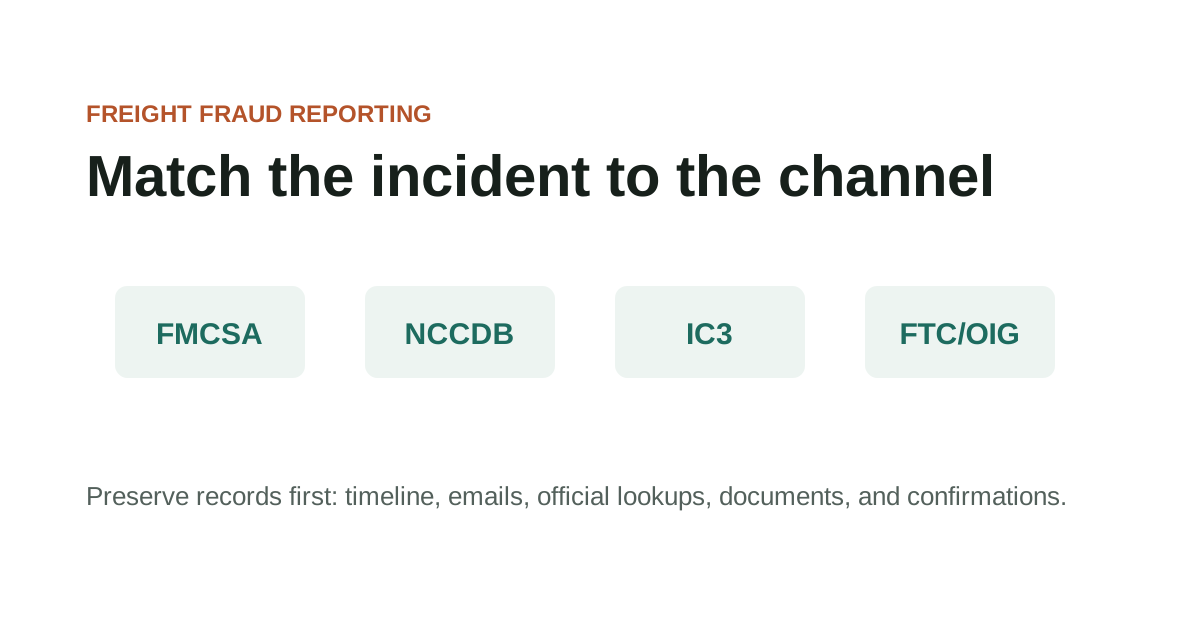
The reporting channels in this guide serve different purposes. NCCDB handles FMCSA-jurisdictional matters. IC3 handles cyber-enabled crimes. FTC handles consumer fraud patterns. DOT OIG handles allegations involving DOT programs. Filing with the wrong channel doesn't mean the report is useless, but it does mean the agency receiving it may lack the authority to act on the specific incident type.
The document preparation that makes reporting effective is the same preparation that makes every other follow-up step viable — insurance claims, legal review, bond claims. Building the file once, before any process begins, is more efficient than assembling different documents for each channel in sequence.
Key Takeaways
- Use the official domain directly when checking records or filing reports.
- Save the source page URL and access date with your case notes.
- Check the official FMCSA page for current status before relying on a record.
- Keep copies of complaint confirmations, report numbers, and supporting documents.
Organizing documentation before using official reporting channels
Reporting freight fraud through official channels starts with documentation, not with a complaint form. The records preserved before filing — rate confirmations, carrier packets, email headers, BOLs, PODs, payment instructions, official lookup screenshots — are what give a report enough substance to be useful. Filing without organized documentation typically results in a report that can't be acted on. FBI IC3 annual reports note that business email compromise — a category that includes freight-specific payment redirection fraud — consistently ranks among the highest-loss cybercrime categories by dollar amount, and IC3 staff have specifically cited organized document submissions as more actionable than incomplete reports.
Different reporting channels serve different purposes, and choosing the right one depends on what actually happened. NCCDB handles eligible FMCSA-jurisdictional matters. IC3 handles cyber-enabled incidents including email fraud and account takeovers. FTC handles consumer fraud patterns. DOT OIG handles allegations involving DOT programs, federal funds, or FMCSA-regulated entities in a federal context.
Organizing documentation before using official reporting channels checklist
- All transaction records preserved in original format before any report is filed
- Whether the incident type matches the eligibility criteria for the reporting channel you're considering
- Whether the portal URL has been confirmed as the official domain — not a search-result lookalike
- Whether a confirmation or case number from the filing has been saved with the load documentation
- Whether reporting to one channel requires or affects reporting to another
Records to organize before filing with any reporting channel
Official-resource pages are entry points, not substitutes for checking the live source. In this guide, that starts with which records to preserve before using official complaint or reporting portals.
Record the exact URL, lookup date, and field you relied on so later reviewers can see what the source showed at the time. Keep the question practical: what changed, who introduced it, and which dated record can be saved before anyone acts on it.
Records to organize before filing with any reporting channel checklist
- Use the official domain directly when checking records or filing reports.
- Save the source page URL and access date with your case notes.
- Check the official FMCSA page for current status before relying on a record.
- Keep copies of complaint confirmations, report numbers, and supporting documents.
What to preserve before and after each submission
For how to report freight fraud, the useful record is usually the one that shows where which records to preserve before using official complaint or reporting portals first entered the file.
That record is stronger when it sits beside the dated lookup, the original message, and a note from the official source or reporting channel. It is weaker when it has been renamed, cropped, forwarded without headers, or separated from the transaction timeline.
What to preserve before and after each submission checklist
- Record the name, number, document field, contact path, or instruction tied to which records to preserve before using official complaint or reporting portals.
- Keep the original file or message before saving a marked-up copy.
- Add the source URL, access date, sender identity, and who confirmed or contradicted the detail.
Questions that match the incident type to the right reporting channel
Hold the lookup, complaint, or reporting decision when the file depends on a new contact path, revised document, missing official record, or mismatch that no one has explained.
The pause should be narrow and written down: the field that does not line up, the source used to check it, and the person or channel that must answer before the work continues.
Questions that match the incident type to the right reporting channel checklist
- Name the exact field or instruction that does not line up.
- Save the document version or message that introduced the mismatch.
- Check the official or independently known source before using the new detail.
- Record the confirmation result before continuing.
What an official report accomplishes versus what it can't guarantee
When using official channels, preserve both the source page and the transaction records that made the lookup necessary. In this guide, that starts with which records to preserve before using official complaint or reporting portals.
For reporting portals, keep confirmation numbers and copies of what was submitted. Keep the question practical: what changed, who introduced it, and which dated record can be saved before anyone acts on it.
What an official report accomplishes versus what it can't guarantee checklist
- Official source URL and access date
- Lookup screenshot or saved PDF
- Transaction timeline
- Supporting emails, documents, and call notes
- Complaint or report confirmation
When the documentation file is ready to file across multiple channels
Official-source questions should match the incident type to the right record or reporting channel. In this guide, that starts with which records to preserve before using official complaint or reporting portals.
If a source has limits, note those limits rather than stretching the record beyond what it can show. Keep the question practical: what changed, who introduced it, and which dated record can be saved before anyone acts on it.
When the documentation file is ready to file across multiple channels checklist
- Which official source answers this specific question?
- What field or status was checked?
- Does the source warn about data timing or scope?
- Which channel fits the incident type?
Further reporting channel context
Official records can lag, omit context, or show only a narrow regulatory fact. In this guide, that starts with which records to preserve before using official complaint or reporting portals.
Use official resources as evidence of what the source says, not as certification that a private transaction is ready to rely on. Keep the question practical: what changed, who introduced it, and which dated record can be saved before anyone acts on it.
Further reporting channel context checklist
- Do not assume a current record proves sender authorization.
- Do not assume one portal handles every incident type.
- Do not rely on copied screenshots without checking the source.
- Do not treat a third-party summary as the official page.
When to use this channel versus another
Escalate when the official source points to a complaint path, reporting portal, or professional channel outside this site's scope. In this guide, that starts with which records to preserve before using official complaint or reporting portals.
Keep the source result with the transaction file so the next step is based on dated records. Keep the question practical: what changed, who introduced it, and which dated record can be saved before anyone acts on it.
When to use this channel versus another checklist
- The source record conflicts with transaction documents.
- The incident fits an official complaint or cybercrime channel.
- A registration, identity, or authority issue may affect current operations.
- The page has changed and the old guidance may no longer apply.
Source Notes
Source context for How to Report Freight Fraud
For official-resource topics, navigate directly to the official federal domain — fmcsa.dot.gov, ic3.gov, ftc.gov, oig.dot.gov — rather than through search results or third-party links. Federal .gov domains require federal authorization to register and cannot be duplicated. These sources are used here as verification and reporting references, not as legal or regulatory advice.
FAQ
Should I wait until all records are organized before filing with NCCDB or IC3?
Yes for organization — a report with organized records is more actionable. But if records are time-sensitive (profiles may be deleted, email threads may be purged), preserve everything first, then submit the report even if the file isn't fully complete.
Does filing a fraud report guarantee action against the party I'm reporting?
No. Filing creates an official record the receiving agency can review, but regulatory or law enforcement action depends on the available evidence, the agency's priorities, jurisdiction, and factors outside your control. The value of filing is that it contributes to a record, and the same party reported by multiple sources is more likely to receive attention.
What's the most common mistake people make before filing a fraud report?
Filing before the document file is complete. A report submitted immediately after discovering a problem often lacks the email headers, domain records, official lookup screenshots, and transaction documents that give investigators something to work with. An hour spent assembling the file before filing produces a substantially more actionable report.
Source References
- National Consumer Complaint Database Federal Motor Carrier Safety Administration. primary source. Last checked 2026-05-28. Official FMCSA complaint portal for eligible motor carrier, broker, safety, and registration-related issues.
- Internet Crime Complaint Center Complaint Form Federal Bureau of Investigation. primary source. Last checked 2026-05-15. Official IC3 complaint form for cyber-enabled incidents. Not a substitute for emergency response.
- Report Fraud Federal Trade Commission. primary source. Last checked 2026-05-15. FTC reporting portal for fraud, scams, and bad business practices.
- DOT OIG Hotline U.S. Department of Transportation Office of Inspector General. primary source. Last checked 2026-05-22. DOT OIG portal for allegations involving DOT programs, fraud, waste, abuse, or mismanagement.