
How this comes up in practice
A driver submits a lumper receipt two days after delivery. The amount is plausible, but the receipt has no facility name, no printed timestamp, and no load number. The rate confirmation allows reimbursable lumper charges only when the broker approves them before service. The dispatcher remembers a phone call at the dock, but no one saved a written approval. Accounting now has three separate questions: whether the service occurred, whether the receipt belongs to this load, and whether the broker agreed to reimburse it. The receipt image alone cannot answer all three. The file becomes usable when the team adds the appointment record, driver message, facility contact, rate confirmation accessorial language, and any approval note in the order they occurred.
Why accessorial disputes are almost always a documentation problem
Lumper and accessorial charge disputes share a predictable structure: the charge was incurred without the written approval the rate confirmation or broker agreement required, and the question of who owes what is decided by whoever has better documentation. The carrier has a receipt but no prior approval. The broker has a payment terms clause but no authorization record. Neither side can easily resolve it without the document that was never created. For adjacent verification steps, compare this with Broker Non-Payment Checklist, and POD and Delivery Confirmation Risk.
The step that prevents this — written approval before the work is done — takes a few minutes and requires nothing more than a timestamped email or portal message. That document, combined with the receipt, creates a complete record. Without it, the dispute becomes a question of credibility rather than documentation, which is a harder position for either party to defend.
This guide covers the documentation structure of accessorial charges rather than the contractual analysis behind them. Whether a specific charge is enforceable under a particular agreement is a question for whoever reviews freight contracts — the documentation task is making sure the written record exists before the dispute begins.
Key Takeaways
- Compare every document against the same legal names, identifiers, lane, and shipment details.
- Ask for missing shipper, pickup, delivery, commodity, and payment information before dispatch.
- Save unedited copies of PDFs, emails, texts, call notes, BOLs, PODs, and receipts.
- Document who approved each change and when the approval happened.
Documenting accessorial charges before they become disputes
Lumper and accessorial charge disputes share a common origin: a charge incurred without the written approval the rate confirmation or broker agreement required. The rate confirmation may reference detention or lumper as possibilities, but the actual charge needs its own paper trail: written broker approval before the work was done, a receipt with a specific dollar amount, and the date and location of the service.
Drivers who accept lumper or detention charges without documented approval find those charges disputed when invoiced — the prior-written-approval requirement exists because this outcome is predictable. Brokers who receive accessorial charges without prior written authorization have a reasonable basis to dispute them. The documentation habit that prevents this is simpler than the disputes it avoids.
Documenting accessorial charges before they become disputes checklist
- Whether broker approval for the specific charge exists in writing before it was incurred
- Whether the receipt shows a dollar amount, location, date, and vendor name
- Whether the charge type and amount are within the terms described in the rate confirmation
- Whether the approval and receipt were sent to the broker within the required timeframe
- Whether the accessorial was reflected on the invoice and acknowledged before payment was processed
Documents to compare across the transaction
Document review starts by lining up the rate confirmation with the BOL, packet, shipper instructions, lane, commodity, and payment terms. In this guide, that starts with receipts, approvals, timestamps, rate confirmation terms, and billing proof.
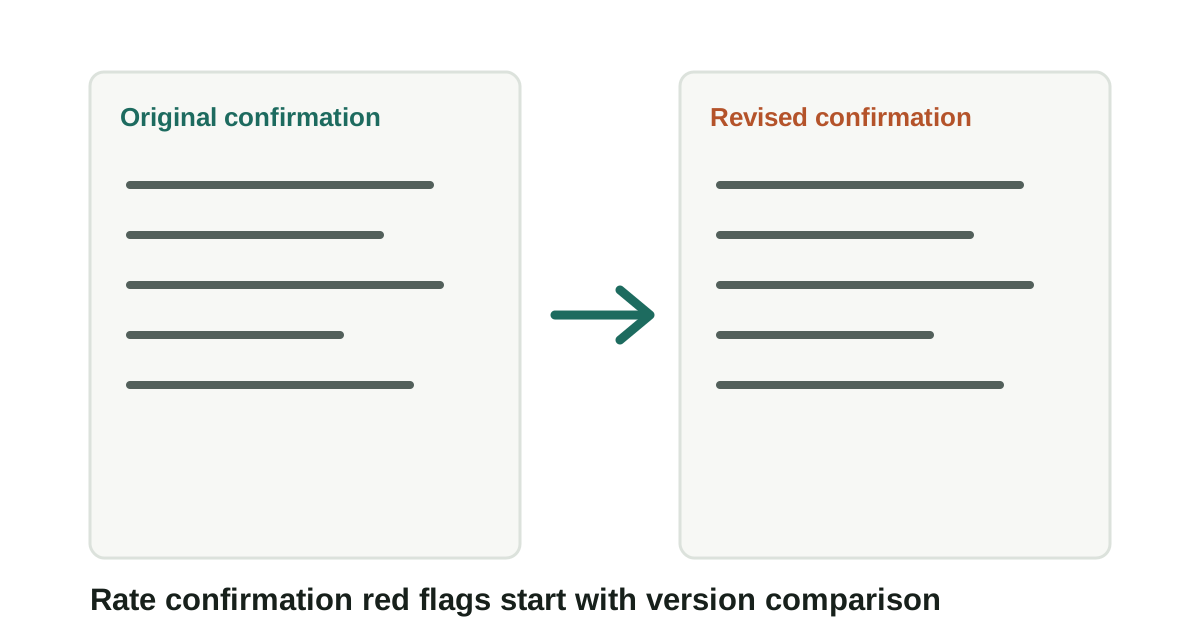
The strongest signal is often a change between versions, not the wording of any single PDF. Keep the question practical: what changed, who introduced it, and which dated record can be saved before anyone acts on it.
Documents to compare across the transaction checklist
- Compare every document against the same legal names, identifiers, lane, and shipment details.
- Ask for missing shipper, pickup, delivery, commodity, and payment information before dispatch.
- Save unedited copies of PDFs, emails, texts, call notes, BOLs, PODs, and receipts.
- Document who approved each change and when the approval happened.
What the paperwork can show
For lumper receipt and accessorial fraud, the useful record is usually the one that shows where receipts, approvals, timestamps, rate confirmation terms, and billing proof first entered the file.
That record is stronger when it sits beside the dated lookup, the original message, and a note from the dispatcher, billing contact, or document reviewer. It is weaker when it has been renamed, cropped, forwarded without headers, or separated from the transaction timeline.
What the paperwork can show checklist
- Record the name, number, document field, contact path, or instruction tied to receipts, approvals, timestamps, rate confirmation terms, and billing proof.
- Keep the original file or message before saving a marked-up copy.
- Add the source URL, access date, sender identity, and who confirmed or contradicted the detail.
When the document set should stop moving
Hold the dispatch, release, invoicing, or document-change decision when the file depends on a new contact path, revised document, missing official record, or mismatch that no one has explained.
The pause should be narrow and written down: the field that does not line up, the source used to check it, and the person or channel that must answer before the work continues.
When the document set should stop moving checklist
- Name the exact field or instruction that does not line up.
- Save the document version or message that introduced the mismatch.
- Check the official or independently known source before using the new detail.
- Record the confirmation result before continuing.
Records to preserve before pickup
Keep original files unedited and preserve revised documents as separate records. In this guide, that starts with receipts, approvals, timestamps, rate confirmation terms, and billing proof.
If a mismatch later matters, the file should show who sent each version, when it arrived, and what instruction changed. Keep the question practical: what changed, who introduced it, and which dated record can be saved before anyone acts on it.
Records to preserve before pickup checklist
- Original and revised rate confirmations
- BOL and pickup instructions
- POD and delivery confirmation
- Accessorial approvals and receipts
- Messages approving document or payment changes
Questions to ask about each document
Document questions should ask who created the instruction and which record supports it. In this guide, that starts with receipts, approvals, timestamps, rate confirmation terms, and billing proof.
The goal is not to debate the PDF; it is to confirm whether the parties, lane, and payment details match the actual shipment. Keep the question practical: what changed, who introduced it, and which dated record can be saved before anyone acts on it.
Questions to ask about each document checklist
- Which document is the controlling version?
- Who approved the changed field?
- Does the carrier named on the paperwork match pickup identity?
- Do payment terms match the broker and invoice record?
Mistakes in document review
A signed document can still contain stale or mismatched information. Signatures do not resolve identity or payment conflicts by themselves. In this guide, that starts with receipts, approvals, timestamps, rate confirmation terms, and billing proof.
Treat document conflicts as a reason to verify through a known channel before freight moves or payment instructions are changed. Keep the question practical: what changed, who introduced it, and which dated record can be saved before anyone acts on it.
Mistakes in document review checklist
- Do not assume the newest PDF is correct.
- Do not assume a signature confirms authority.
- Do not assume missing shipper details can wait.
- Do not merge conflicting document versions.
When a document mismatch requires escalation
Escalate when the document trail no longer identifies the same parties, freight, or payment path. In this guide, that starts with receipts, approvals, timestamps, rate confirmation terms, and billing proof.
Before escalation, save the mismatch plainly so the next reviewer can see the exact field, version, and sender involved. Keep the question practical: what changed, who introduced it, and which dated record can be saved before anyone acts on it.
When a document mismatch requires escalation checklist
- Carrier, broker, or shipper names conflict across records.
- Pickup details change through an unverified channel.
- Payment fields change after dispatch.
- The document mismatch affects release, delivery, or invoicing.
Source Notes
Source context for Lumper Receipt and Accessorial Fraud
For document-review topics, rate confirmations, BOLs, and PODs are private transaction documents — not official records. Official sources like FMCSA L&I and SAFER are used to verify the entities named in those documents, not to validate the documents themselves. Document comparison is the verification step; official records are the reference point.
FAQ
What if a lumper requires payment before releasing the truck but I haven't gotten broker approval?
Contact the broker for written approval before authorizing payment. If you can't reach the broker, document the situation in writing — time, location, amount requested — and escalate. Paying without approval puts the charge in dispute.
What's the minimum documentation for a lumper charge to be billable?
Written broker approval obtained before the work was done, a receipt showing the amount, date, location, and vendor name, and submission within the timeframe the rate confirmation or agreement specifies. A charge incurred without prior written approval will typically be disputed — and approval obtained verbally without documentation is difficult to substantiate later.
What should I do if the broker denies a lumper charge they approved verbally?
Submit whatever written record exists of the request and approval — any texts, emails, or portal messages about it — along with the receipt. If approval was given only verbally with no documentation, the file is incomplete from the outset. The prior-written-approval requirement exists to prevent exactly this situation.
Source References
- National Consumer Complaint Database Federal Motor Carrier Safety Administration. primary source. Last checked 2026-05-28. Official FMCSA complaint portal for eligible motor carrier, broker, safety, and registration-related issues.
- Eligible Complaints Federal Motor Carrier Safety Administration. primary source. Last checked 2026-05-28. Explains eligible FMCSA complaint categories and jurisdiction boundaries.